Is the recap just AI rewriting headlines?
It is a synthesized session narrative. Treat it as a starting brief. If a claim matters to a position, open the underlying news or filing.
PRODUCT — WATCH
A session write-up you can finish before your coffee cools — drivers, leadership, and the stories that actually moved sectors.
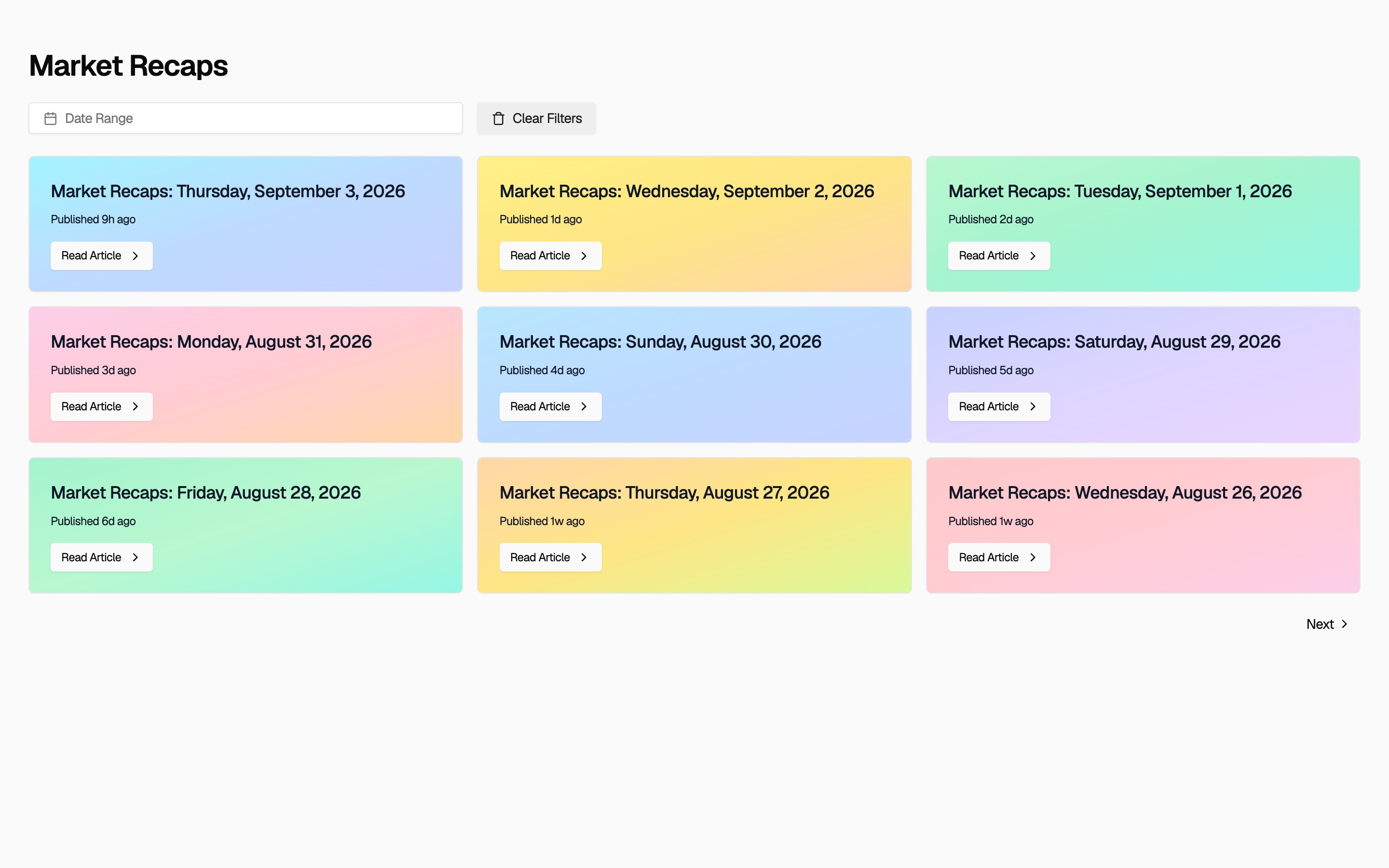
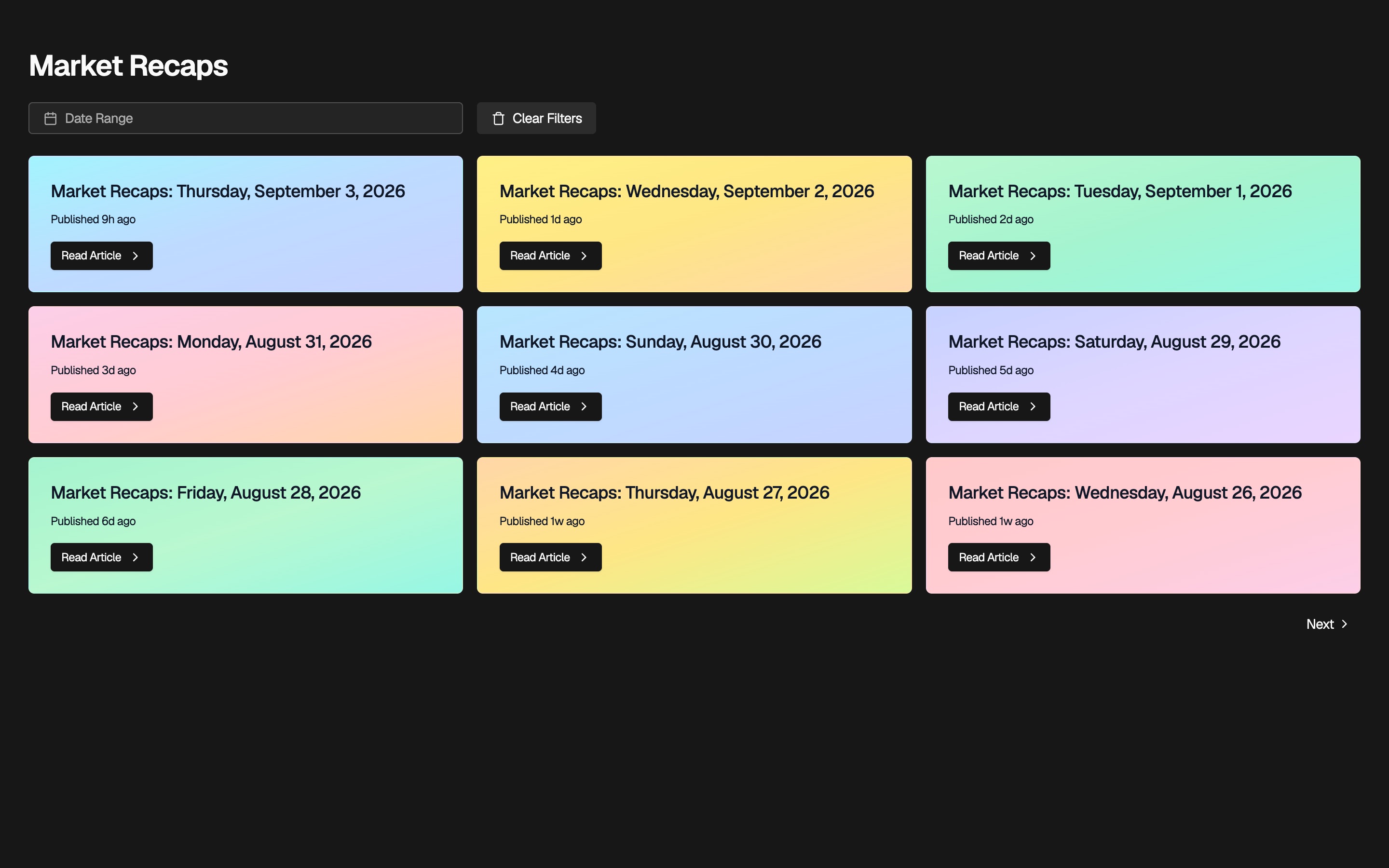
A recap is not a list of index closes. It is a short narrative of the session: macro headlines, earnings surprises, sector leadership, and the regulatory or liquidity notes that showed up in the tape.
The point is to tell you what led, what lagged, and why that split matters, so you do not have to reconstruct the day from five homepages and a brokerage app.
In the app, recaps are a dated list you can filter by range. That is how you review a week on Sunday without living in a clip feed. Read one write-up, then decide whether you need the heatmap or a company page.
Treat the recap as a brief you can argue with. If a sentence names a holding, open the news or the filing. AI can flatten a risk factor. The recap is the map, not the trade.
Step 1
The recap answers whether the day was one sector or the whole tape. That question is cheaper than twenty charts.
Step 2
If you imported a portfolio, match leadership and laggards to what you own. Ignore the rest on purpose.
Step 3
The recap is allowed to be incomplete. When a holding is named, the next click is the story or the filing, not another homepage.
Step 4
On Sunday, set a date range and skim. You are checking whether a theme lasted more than one session.
This page is for people who need the session explained in one sitting. It is not a replacement for a trading desk or a newsroom.
A good fit if
One narrative is a routine you can keep. A live blog is not.
Leadership and laggards matter when they explain a line in your book.
Color without a paragraph is how people invent a story. Read first, then look.
Not the right tool if
The recap is a session brief, not a catalog of every print.
There are no ideas attached. That is intentional.
Macro, earnings, and sector notes sit in the same write-up so you can reconstruct the day in one pass.
The recap calls out what led and what lagged instead of only reprinting the index close.
When a theme names a ticker you care about, you can open news or the company page from there.
Read it once. Then decide whether you need the heatmap, the screener, or a filing.
Catch up on the prior session before you look at overnight futures or your watchlist.
Skim the week's recaps to see whether a theme lasted more than one day.
Match a holding's day to the sector story in the recap instead of guessing from the chart alone.
Use the recap when you do not want a stream of clips that never mention the names you own.
It is a synthesized session narrative. Treat it as a starting brief. If a claim matters to a position, open the underlying news or filing.
No. It focuses on the drivers and themes of the session, not a complete catalog of every print.
The public pages explain the product. The daily recaps themselves are in the app after you sign in.
Yes. The Recaps page has a from/to date range. That is how a Sunday review works without a clip feed.
Read the recap first when you want the paragraph. Use the heatmap when you only need breadth. Color without a narrative is how people invent a story.
No. Ryxel is a research and tracking tool. It does not recommend trades, manage money, or act as a broker or registered investment adviser. You decide what to do with the information.
Create an account to use signals, recaps, news, and company research on the names you care about.
Ryxel is a research tool. It is not financial advice, a broker, or an investment adviser.